


I have learned a lot about lighting over my last few years with Sunco but I want to be upfront about something before we get into this: I rent an apartment and have never really had a say in which kind of lighting I use…
Until now.
In February, I decided to swap out the basic recessed lights in my apartment for Sunco’s 6-inch Smart Disk Downlights. I was genuinely not sure if this was going to end in sweet, smart light bliss, or in a TikTok fail video.
Thirty days later, I wanted to share my real experience with these lights. Fully and completely unbiased.

The Install: Easier Than I Expected, With One Gotcha
First things first: these are retrofit fixtures, which means you don’t need to run new wiring or cut any new holes—which is great for me as a renter with existing retrofits. If you’ve already got 6-inch recessed cans in your ceiling, you’re golden. You take out the old trim or bulb, plug the LED driver into the existing socket, tuck the driver into the can, and clip the new light in. It took me about 5 minutes per fixture, which for a lighting project is pretty fast.
The clips that hold the fixture in place require a tiny bit of force to squeeze and to lock in place and I was a little nervous that I would break the spring. I spent an embarrassing amount of time on my first install thinking I was doing something wrong before I just committed and pushed harder. Once I figured that out, the rest went smoothly.
The wiring side is straightforward if you’re comfortable turning off your breaker and working with basic electrical.

Pairing with the App
The Sunco Smart Lighting app is available on both iPhone and Android (you can also use the Smart Life or Tuya apps). Setting up each light involves putting it into pairing mode (quick double-click of the switch), opening the app, and letting it find the fixture on your WiFi network. In theory, this takes about two minutes per light depending on how quick your WiFi decides to run that day.
Three of my four lights paired on the first try. The fourth one found the network, started connecting, got 90% of the way through the progress bar, and then just…didn’t finish. I tried again. Same thing. After the fourth attempt, I rebooted my router and it worked immediately. Lesson learned: if you’re having pairing issues, that’s your first move.
Once they were all connected, I could control brightness, color temperature (warm white through cool white), or use the full RGB color wheel to pick any color you can dream up. The grouping feature, where you can control multiple lights as one unit, worked well for me, though I’ve seen other users say they had trouble getting it to work consistently. Your mileage may vary depending on your WiFi setup. One thing to note for smart lights: You have to use a 2.4 GHz router. Duel routers and 5 GHz won’t work properly.

Living With Them Day to Day
Here’s what actually surprised me: once they were set up, I almost never used the app.
I connected them to Alexa, set up a few routines, and now I just talk to my ceiling like a normal person of the future. “Alexa, turn on living room.” Done. “Alexa, dim the lights to 40%.” Done. “Alexa, set the living room to warm white.” Done. After the initial setup friction, the day-to-day experience is genuinely seamless.
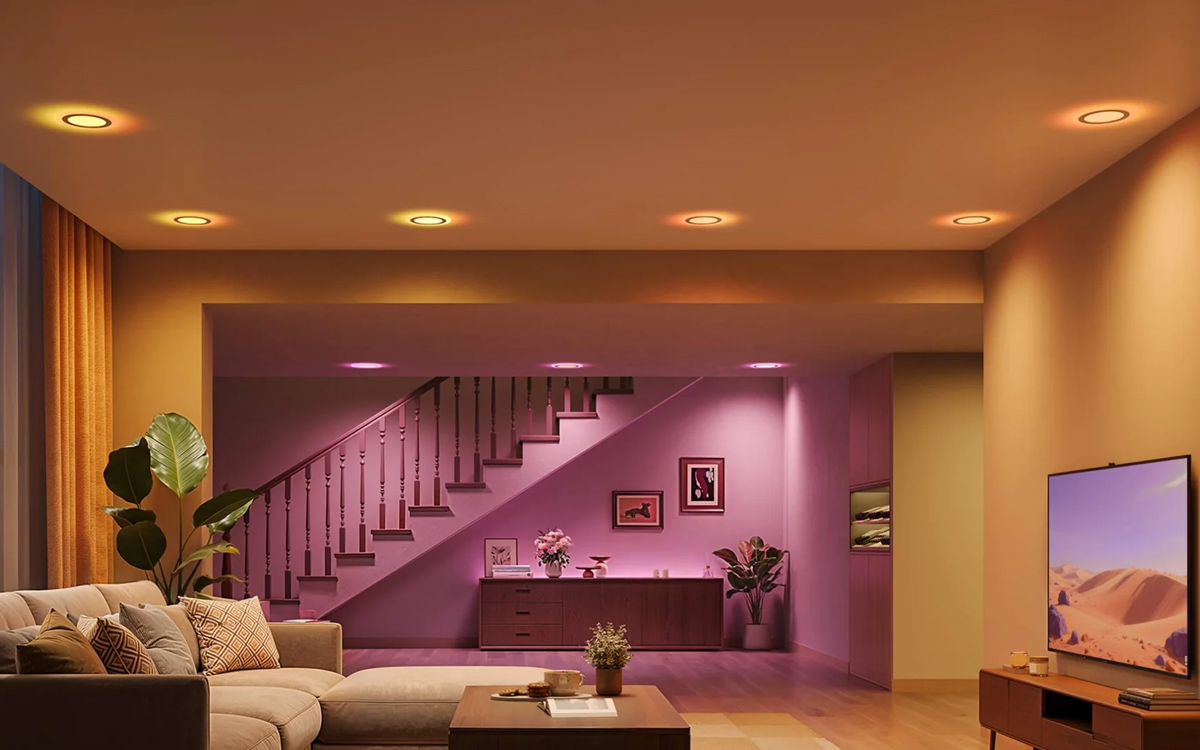
The color quality is excellent. I set mine to 2700K for evening bed rotting and they’re perfect. The dimming is smooth with no flicker and no weird color shifts at low brightness levels, which is honestly a problem I’ve seen with cheaper dimmable LEDs.
The music sync feature—where the lights pulse and change color with whatever’s playing is either the greatest thing or the most chaotic thing depending on who’s in the room. My sister’s kids thought it was the coolest thing they’d ever seen. My bird disagreed. Make of that what you will.
The Honest Verdict
Here’s who I’d recommend these for: people who want a genuinely smart home lighting experience without paying $30+ per bulb, people who already use Alexa or Google Home, and anyone doing a living room, bedroom, or home office upgrade where they want flexibility in the vibe.
Here’s who should pump the brakes: people with finicky WiFi and people who don’t already have cans installed in their ceiling.
At $16.99 per fixture, Sunco’s Smart Slim 6-inch Downlight is competing with products that can cost two to three times as much for similar functionality. And if you’re willing to spend some time on initial setup, what you get on the other side is a legitimately great smart lighting experience for a fraction of the price.
I’ve recommended these to two people since I installed them. One of them texted me a video of their lights syncing to “Mr. Brightside” at a party. So, there you have it.
All comments 0